Google local business: Unlock Growth 2025
Why Your Google Local Business Profile is Your Most Valuable Marketing Asset
Google local business profile is a free tool that allows you to manage how your business appears on Google Search and Google Maps. If you’re looking to list your business, here’s what you need to know:
Quick Answer: How to Get Your Google Local Business Listed
- Go to the Google Business Profile page
- Sign in with your Google Account (or create one)
- Enter your business name and address
- Choose your business category
- Verify your business (via postcard, phone, or email)
- Complete your profile with photos, hours, and services
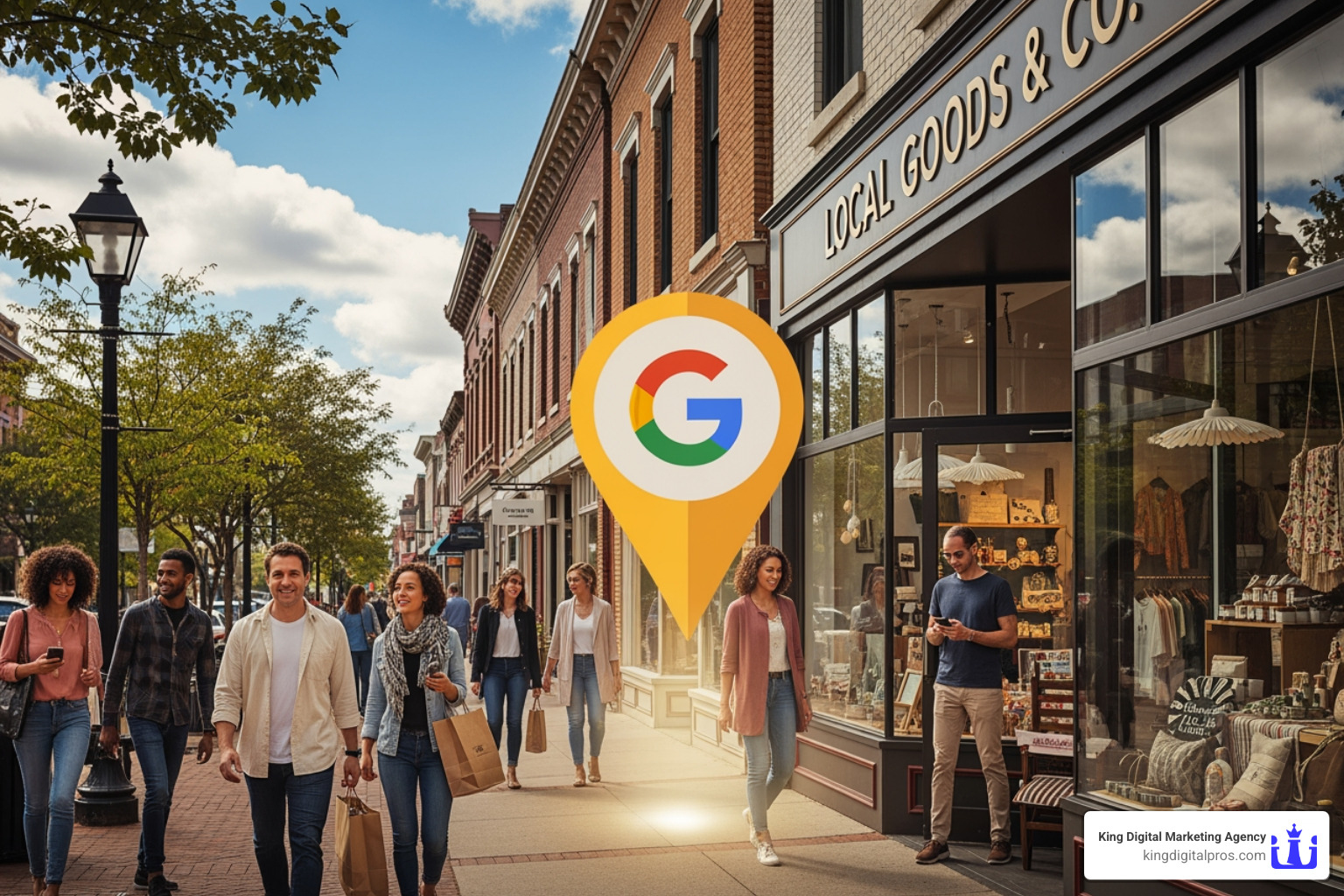
When customers search for businesses like yours, your Google local business profile is often the first thing they see. It’s your digital storefront – showing up in search results and on Google Maps before they even visit your website.
The data tells a compelling story. According to research, businesses with complete Google My Business listings receive 7x more clicks than those without. They’re also 70% more likely to attract local customers searching in their immediate area. Even more impressive: listings with photos get 42% more requests for directions and 35% more clicks to their websites.
Yet many local business owners struggle with setting up their profile correctly, dealing with verification issues, or keeping their information accurate. Some don’t even know their business already appears on Google – often with outdated hours or incorrect contact information that frustrates potential customers.
I’m Bernadette King, founder of King Digital Marketing Agency, and I’ve spent years helping local businesses transform their Google local business profiles from basic listings into powerful customer acquisition tools. Through hands-on work with franchise owners and small businesses, I’ve seen how a properly optimized profile can dramatically increase visibility and drive real revenue.

Google local business vocabulary:
Setting Up and Verifying Your Business Profile: A Step-by-Step Guide
So, you’re ready to get your business noticed by potential customers in Albuquerque, Rio Rancho, Santa Fe, or any of our vibrant local communities? Excellent choice! The first step is to establish your presence on Google. This isn’t just about showing up; it’s about showing up correctly. Many businesses already have an auto-generated listing on Google, but it might be incomplete or inaccurate. Our goal is to either claim an existing profile or create a brand new one from scratch, ensuring every detail is spot on.
To begin this journey, you’ll need a Google Account. Think of it as your passport to managing your online presence. If you don’t have one, it’s quick and easy to create. Once logged in, we’ll focus on ensuring that your business’s Name, Address, and Phone number (NAP) are consistent not just on your profile, but across the entire web. This consistency is a cornerstone of local SEO and helps Google trust the accuracy of your information.
Choosing the right business categories is also crucial. This tells Google exactly what you do, helping you appear in relevant searches. Are you a restaurant, a plumber, or a boutique in Corrales? Google needs to know!

Creating Your Google Local Business Account
Let’s walk through the initial setup. It’s quite straightforward, but accuracy is paramount.
- Head to the Official Page: Start by visiting the Google Business Profile page. This is where the magic begins!
- Sign In: Use your Google Account. We recommend using an account that you’ll consistently monitor and manage.
- Enter Your Business Name: Type in your exact business name. If a listing already exists, Google will prompt you to claim it. If not, you’ll be guided to create a new one.
- Add Your Location: For storefront businesses in Grants or Edgewood, you’ll enter your physical address. For service-area businesses (SABs) like a mobile dog groomer in Cedar Crest or a consultant in Sandia Park, you’ll indicate that you serve customers at their location and define your service areas. This allows you to hide your home address while still reaching local clients.
- Select Your Business Category: This is a critical step. Choose the primary category that best describes your core business. Google also allows you to add secondary categories, which we highly recommend to broaden your reach. For instance, a coffee shop might also be a “bakery” or “cafe.”
- Provide Contact Information: Add your business phone number and website URL. These are direct pathways for customers to connect with you.
Once these initial details are in, you’re well on your way to establishing your digital footprint. For more in-depth guidance, our team has put together resources like our Google Business Listing Help page.
The Crucial Verification Process
Verification is more than just a formality; it’s the handshake that tells Google, “Yes, we are who we say we are, and we operate at this location.” Without verification, you can’t fully manage your profile, respond to reviews, or access valuable insights. It’s how you gain ownership of your Google local business profile, allowing you to ensure your business info is accurate and to interact with customers. This step builds trust not only with Google but also with your potential customers.
Google offers several methods for verification, and the options presented to you can vary:
- Postcard: This is a classic method. Google sends a postcard with a verification code to your physical business address. Once it arrives (typically within 14 days, but codes expire after 30 days!), you enter the code into your profile. A crucial tip: do not edit your business name, address, or category after requesting a postcard, as this invalidates the code!
- Phone/SMS: For some businesses, Google may offer to send a verification code via an automated call or text message to your business phone number. This is often the quickest method.
- Email: If this option is available, a verification code will be sent to the email address associated with your Google Account or listed on your business website.
- Video Recording/Live Video Call: This method is becoming more common. You might be asked to record a short video showcasing your business location, signage, and proof of management, or engage in a live video call with a Google representative. This visually confirms your business’s existence and operation.
We understand that verification can sometimes be a sticking point, especially if there are delays or issues. If you encounter any problems, our Google My Business Verification guide can help you steer through them. For an official breakdown of the process and troubleshooting tips, Google’s own guide to verify your business on Google is an invaluable resource. Patience and accuracy are your best friends here!
How to Optimize Your Google Local Business Profile for Maximum Visibility
Once your Google local business profile is verified, the real work – and fun – begins! This is where we transform a basic listing into a powerful magnet for local customers. Google’s local ranking algorithm considers three primary factors:
- Relevance: How well your business profile matches what a user is searching for.
- Distance: How far your business is from the searcher’s location.
- Prominence: How well-known your business is, based on factors like links from other websites, reviews, and overall web presence.
Our goal is to optimize every aspect of your profile to boost your relevance and prominence, making sure your business stands out when customers in Los Alamos, Taos, or anywhere else are looking for what you offer. Businesses with complete and accurate information are significantly more likely to show up in local search results.
Completing Your Core Information for Better Ranking
Think of your Google local business profile as your prime real estate on the web. Every piece of information we add helps Google understand your business better and serves your customers more effectively.
- Accurate NAPW (Name, Address, Phone, Website): We’ve already touched on NAP, but let’s add ‘W’ for Website. This information must be identical across all your online presences. Inconsistencies can confuse Google and hurt your ranking.
- Business Hours and Special Hours: Clearly state your regular operating hours. Even more important is updating special hours for holidays or events. Nothing frustrates a customer more than showing up to a closed business! Google even uses this data to inform users if a place is open or closed, so keeping it current is a must.
- Detailed Business Description with Keywords: Craft a compelling, keyword-rich description that tells customers what makes your business unique. Don’t just list services; tell your story. If you’re a family-owned bakery in Albuquerque, mention that! Use terms potential customers might search for, but keep it natural and avoid keyword stuffing.
- Business Attributes: Google offers a wealth of attributes to highlight specific aspects of your business. These can include “women-owned,” “Black-owned,” “LGBTQ+ friendly,” “wheelchair accessible,” “free Wi-Fi,” or “outdoor seating.” These attributes not only help you connect with specific customer segments but also provide valuable information.
Optimizing these core elements is foundational for success. It’s an ongoing process, not a one-time task, and it’s something we specialize in with our Business Profile Optimization services.
Leveraging Key Features for Your Google Local Business Profile
Beyond the basics, your Google local business profile offers a dynamic suite of features that can truly make your business shine. These are your tools for engaging customers and driving action.
- High-Quality Photos and Videos: This is where you bring your business to life! Profiles with high-quality images receive more requests for directions and more traffic to their websites. We’re talking about crisp, well-lit photos of your storefront, interior, products, and even your team in action. Videos can offer a quick tour or showcase a product demonstration. Avoid generic stock images; authenticity wins.
- Products & Services Sections: Don’t just tell customers what you do; show them!
- Products: For retail businesses, you can automatically list your in-store products for free, complete with photos, descriptions, and pricing. This can help you be found for what you sell directly within Google Search.
- Services: For service-based businesses, clearly list all your offerings with detailed descriptions. If you’re a plumber in Rio Rancho, specify “drain cleaning,” “water heater repair,” and “leak detection.”
- Google Posts for Updates, Offers, and Events: Google Posts are like mini-blog posts directly on your profile. Use them to announce new products, limited-time offers, upcoming events, or important updates (like holiday hours). Posts are a fantastic way to keep your profile fresh and give customers a reason to engage. They can significantly improve your visibility.
- Q&A Feature to Address Common Questions: Proactively answer frequently asked questions about your business directly on your profile. This saves customers time and positions you as a helpful resource. Did you know you can also list FAQs that appear on Google Maps? This is an often-overlooked opportunity!
- Booking, Ordering, and Quote Request Buttons: For eligible businesses, Google Business Profile can integrate with booking systems, food ordering platforms, or allow customers to request a quote directly from your profile. This streamlines the customer journey from findy to conversion.
Actively utilizing these features not only improves your profile but also signals to Google that your business is active and engaged, which can positively impact your local ranking. For more strategies, refer to Google’s own tips to improve your local ranking on Google.
Managing Your Reputation and Tracking Performance
Your Google local business profile isn’t just a static listing; it’s a dynamic hub for customer interaction and valuable insights. How you manage your online reputation and understand your performance here can make or break your local success. Reviews, in particular, are a top ranking factor, and customer interactions build trust that translates into real business.
The Power of Customer Reviews and Interactions
Reviews are the new word-of-mouth. They provide social proof, influence purchasing decisions, and are a significant factor in Google’s local ranking algorithm.
- Encouraging Customer Reviews: Don’t be shy – ask for reviews! We often advise our clients to make it easy for customers. You can obtain a unique URL from Google to send directly to customers, place it on your website, or include it in email signatures. A simple reminder on an invoice receipt can also work wonders. While Google discourages offering incentives for reviews, simply asking and making the process seamless is highly effective.
- Responding to All Reviews (Positive and Negative): This is crucial for reputation management.
- Positive Reviews: Thank customers for their feedback! A simple, personalized response shows you appreciate their business and encourages others to leave reviews.
- Negative Reviews: This is where you can truly shine. Respond professionally, empathetically, and constructively. Acknowledge the issue, apologize if necessary, and offer a solution or a way to take the conversation offline. A well-handled negative review can actually turn a critic into a loyal customer and demonstrate your commitment to service to prospective clients.
- Using the Messaging Feature for Direct Communication: Your profile might include a messaging feature, allowing customers to text you directly. This offers an immediate and convenient way for customers to ask questions and get quick answers. Being responsive here demonstrates excellent customer service.
Building and maintaining a stellar online reputation is an ongoing effort, but the payoff is immense. Our team at King Digital Marketing Agency offers comprehensive Reputation Management services to help local businesses like yours steer this critical aspect of online presence.
Understanding Your Performance with GBP Insights
One of the most valuable, and often underused, features of your Google local business profile is the “Insights” section. This dashboard provides a treasure trove of data about how customers are finding and interacting with your business. It’s how we measure what’s working and identify areas for improvement.
Key metrics we track include:
- Search Queries: What keywords did customers use to find your business? This is gold for understanding customer intent and refining your profile content.
- Profile Views: How many times did your profile appear in Google Search or Maps? This indicates your visibility.
- Customer Actions: This category reveals what customers did once they found your profile:
- Calls: How many people called you directly from your profile?
- Website Clicks: How many clicked through to your website?
- Direction Requests: How many asked for directions to your physical location?
- Messages/Bookings: If enabled, how many messaged you or made a booking?
Analyzing this data allows us to refine your Local Marketing Strategy Complete Guide. For example, if you see many direction requests but few website clicks, it might indicate your website isn’t compelling enough or the information on your profile is sufficient. If certain keywords bring in traffic, we can double down on optimizing for those terms. Understanding these insights is crucial for tracking your return on investment (ROI) and making data-driven decisions that grow your business.
Frequently Asked Questions about Google Business Profile
We’ve covered a lot of ground, but you might still have some lingering questions. Let’s tackle some of the most common inquiries we hear from local businesses in New Mexico.
Is Google Business Profile really free?
Yes, absolutely! This is one of the most fantastic aspects of Google local business profiles. Creating and managing your profile is completely free of charge. There are no hidden fees for the core features that allow you to list your business, add information, photos, interact with customers, and even access performance insights. It’s Google’s way of empowering local businesses to manage their appearance on Google Search and Maps without a financial barrier. While you can choose to run paid Google Ads campaigns that link to your profile, the profile itself is a powerful, no-cost marketing tool.
Can I have a profile without a physical address?
Yes, you certainly can! This is a common question, especially for service-area businesses (SABs) that operate out of a home office or travel to their clients. Whether you’re a mobile mechanic in Taos, a freelance designer in Santa Fe, or a home-based consultant in Corrales, you can create a profile. When setting up your Google local business profile, you’ll indicate that you “deliver goods and services to customers at their location.” You can then add your service areas (e.g., “Albuquerque, NM,” “Rio Rancho, NM”) and choose to “hide my address – it’s not a store.” This ensures your privacy while still reaching relevant local customers within your service radius.
What are the most common issues with a Google Business Profile?
While immensely beneficial, managing a Google local business profile can sometimes come with its quirks. We frequently help our clients steer these common issues:
- Profile Suspension: This can happen for various reasons, such as violating Google’s guidelines, suspicious activity, or inconsistencies in your business information. It’s alarming, but often resolvable by reviewing your information for accuracy and requesting reinstatement.
- Verification Delays: Sometimes, postcards get lost, or other verification methods take longer than expected. Patience is key, but if delays persist, exploring alternative verification methods or contacting Google support becomes necessary.
- Duplicate Listings: An old or incorrect duplicate listing can confuse customers and dilute your profile’s authority. We work to identify and merge or remove these duplicates to consolidate your online presence.
- User-Suggested Edits Changing Your Information: Because Google values user contributions, anyone can suggest edits to your profile. While often well-intentioned, these can sometimes introduce incorrect information. Regularly monitoring your profile and promptly reviewing suggested edits is crucial to maintain accuracy.
Understanding these potential pitfalls is part of effective Google local business management. For a deeper dive into common misconceptions and how expert management can prevent these headaches, check out our article on 5 Common Myths About Your Map Listings and Why You Should Hire a Google Business Profile Expert.
Conclusion: Turn Your Profile into a Customer Magnet
We’ve journeyed through the essentials of establishing, optimizing, and managing your Google local business profile. What we’ve learned is clear: a well-maintained profile is far more than just an online listing; it’s a powerful, free marketing asset that directly impacts your visibility, customer trust, and engagement.
From the moment a potential customer searches for a “bakery near me” in Los Alamos to when they request directions to your storefront in Santa Fe, your Google local business profile is working tirelessly to connect you. It’s your digital ambassador, showcasing your best features, answering questions, and building confidence before they even step through your door or call your number.
The benefits are undeniable: increased visibility, improved credibility through reviews, direct customer engagement, and invaluable insights into your audience. This makes your profile a cornerstone of any effective Local SEO Best Practices.
However, the key to open uping its full potential lies in continuous management. Google’s algorithm is dynamic, customer expectations evolve, and your business information needs to be consistently updated. This ongoing effort ensures your profile remains a vibrant, accurate, and compelling representation of your business.
We know that managing an active Google local business profile can be a time commitment, especially when you’re busy running your business. That’s precisely where our expertise comes in. At King Digital Marketing Agency, we specialize in optimizing Google Business Profiles for businesses across Albuquerque, Rio Rancho, East Mountains, Corrales, Santa Fe, Los Alamos, Taos, Grants, Cedar Crest, Edgewood, and Sandia Park. We ensure your business doesn’t just show up, but truly stands out.
Ready to transform your Google local business profile into a customer magnet? Contact our digital marketing agency for small businesses to maximize your local reach today. We’re here to help you get found, chosen, and celebrated by your local community.
